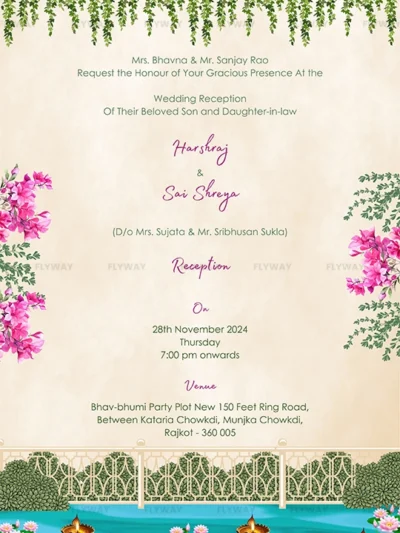



How a Custom E-Invite Is Made at Flyway: Step-by-Step Journey Using Our Ready Templates
In a world where convenience meets creativity, digital wedding invitations are now the go-to option for modern couples. But not everyone needs a complicated custom-made solution. At Flyway, we’ve simplified the process by offering beautiful, theme-based ready-to-edit templates that look professional, feel personal, and are incredibly easy to use.
Whether you’re planning a lavish destination wedding or an intimate home affair, our template-based video invites let you skip the stress of starting from scratch. All you need to do is pick a design that fits your vibe, and we’ll do the rest. Here’s a plagiarism-free, SEO-friendly, step-by-step guide to how your custom e-invite comes to life with Flyway’s efficient, template-driven process.
🌟 Why Flyway’s Ready Templates Are Perfect for You
we offer expertly crafted video templates, each designed with a specific wedding theme, vibe, or cultural mood in mind. This is why our method works seamlessly and efficiently:
Time-Saving: No back-and-forth on custom designs. Choose, share details, and receive your video fast.
Budget-Friendly: High-end quality at a fraction of the cost of custom animations.
Stunning Themes: Royal, floral, pastel, boho, minimal, traditional—you name it, we’ve got it.
Simple Process: Minimal input required from your end. We edit it, you share it.
✨ Step 1: Explore and Select the Template That Suits You Best
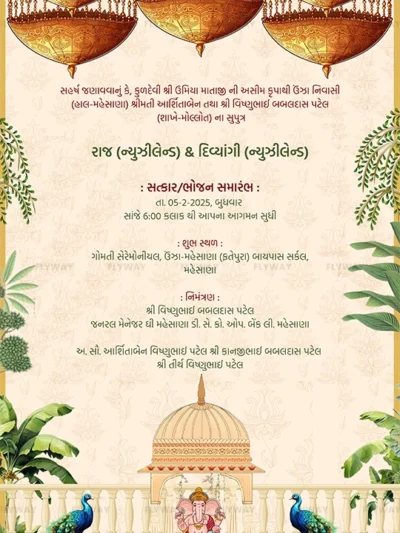
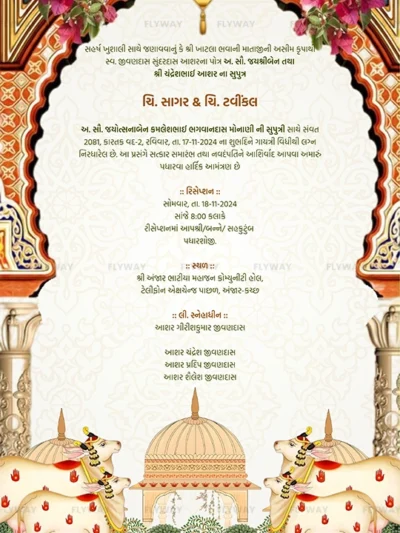
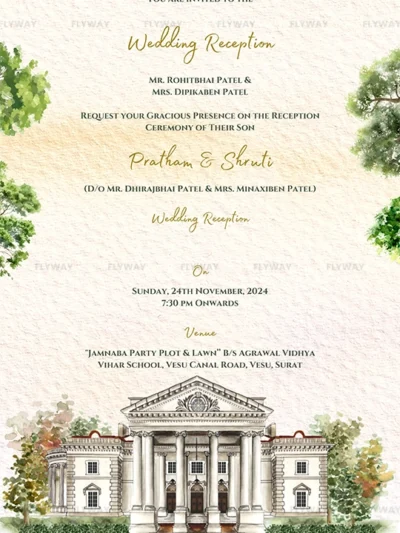
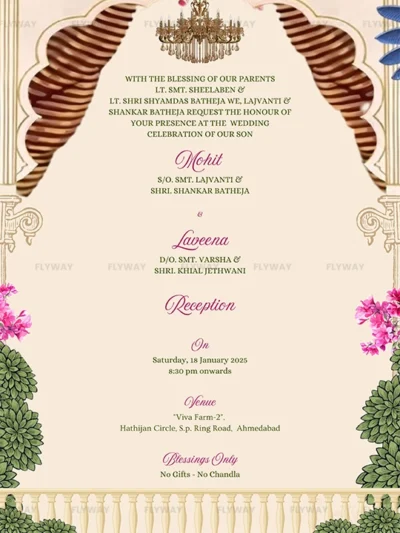
Everything begins with you browsing our collection of ready-made wedding invite templates. We’ve designed each one with specific colors, animations, and cultural aesthetics to match various wedding styles.
Our template categories include:
Royal Indian wedding themes
Minimalist pastel designs
Bollywood-inspired animated invites
Rustic or floral wedding styles
South Indian, Bengali, Muslim, Sikh and multicultural invites
Once you select your preferred template, we lock it in and get started.
📝 Step 2: Share Your Wedding Details
After choosing the template, we’ll ask for all the necessary details to personalize your chosen design. That’s all the information we require from your side:
Wedding date and time
Names of parents (optional)
Event schedule (Sangeet, Haldi, Wedding, Reception, etc.)
Venue details (name and address)
Any additional notes (hashtags, dress codes, or special mentions)
We plug in these details to your chosen video template—keeping everything clean and elegant.
🎼 Step 3: Choose Background Music (Optional)
While we don’t offer voiceover features, you can choose a background track that complements your wedding style. Each template comes with a pre-selected music track, but we can swap it with something you like (as long as it’s royalty-free or provided by you).
Music options include:
Traditional Indian instrumental
Light romantic piano or acoustic tunes
Upbeat Bollywood-style background music
Soft cultural melodies for specific communities
This small change adds a personalized touch without needing a full voiceover.
🖥️ Step 4: Editing and Personalization
Now comes the magic. Our design team gets to work customizing your selected template with your personal wedding information.
Edits include:
Inserting your text into the animations
Adjusting colors (if the template allows it)
Adding your background music
Formatting names and details so they’re beautifully presented
Double-checking for typos and clean transitions
Since the core animation is already ready, our turnaround time is fast—often within a few working days.
✅ Step 5: Review and Final Approval
Once your video invite is edited, we’ll send you a preview for review. You’ll get a chance to:
Verify names, spellings, and dates
Check venue and time details
Make sure the music and visuals align with the overall feel you’re aiming for.
If any minor corrections are needed, we’ll fix them promptly before finalizing.
📲 Step 6: Final Delivery in Easy-to-Share Formats
After approval, we’ll deliver your personalized wedding e-invite in formats optimized for mobile sharing and social media platforms:
MP4 format suitable for sharing via WhatsApp, email, or uploading to Google Drive.
Instagram Reels-sized version (on request)
High-resolution thumbnail or still image for social sharing
Our goal is to make it easy for you to share the joy with your family, friends, and loved ones across any platform.
💌 Step 7: Share It with the World
You’re now ready to send out your beautiful e-invite! Many of our clients use:
WhatsApp for direct and personal sharing
Instagram Reels and Stories to build excitement
Email for formal invites
Facebook Events linked with your video
Want a quick tip? Pair your video with a cute caption like:
“The countdown begins! Here’s your official invite to the celebration of a lifetime!”
💫 Conclusion: Quick, Easy, and Elegant Invitations with Flyway
At Flyway, we believe that elegance doesn’t have to be complicated. Our theme-based wedding video templates are designed for couples who want style, speed, and simplicity—all in one package.
From vibrant royal themes to soft romantic palettes, we’ve done the hard work of designing. Simply pick your template, add your details, and share it with your guests. No long waits, no design back-and-forths, no custom charges—just a smooth, efficient journey to a beautifully personalized e-invite.
So if you’re ready to impress your guests without the stress, Flyway’s ready-to-edit wedding invitation templates are exactly what you need.