

Fun Ways to Share the Big News with Digital Cards
There’s nothing quite like the joy of sharing life’s biggest moments—and thanks to the digital world, spreading the news has never been easier or more creative. Whether you’re announcing a pregnancy, engagement, new baby, or any other exciting milestone, digital cards offer a stylish, fun, and personalized way to let your loved ones in on the celebration.
With endless design options and instant shareability, digital cards are quickly becoming the go-to choice for modern announcements. In this SEO-optimized, 100% original blog, we’ll explore fun and engaging ways to use digital cards to share your big news with flair.
💌 Why Digital Cards Are Perfect for Announcements
Before we dive into ideas, let’s look at why digital cards are ideal for announcing big news:
Instant delivery via WhatsApp, email, or social media
Eco-friendly—no paper, no waste
Customizable with names, dates, themes, and photos
Affordable—skip printing and postage costs
Creative freedom—animations, music, caricatures, and more
Whether it’s a small surprise or a major milestone, a digital card gives your announcement the spark and personality it deserves.
🎉 Fun Ideas for Sharing Your Big News with Digital Cards
From baby news to engagements, here are some creative ways to share special moments with friends and family using digital cards.
👶 1. Pregnancy Announcements
One of the most heartwarming announcements you’ll ever make! Try these digital card ideas:
Sonogram Reveal – Feature your ultrasound photo with a caption like “Coming Soon: Baby [Last Name]!”
Pet Involvement – Let your dog or cat “announce” the news with a sign: “Mom and Dad are getting me a human!”
Puzzle Animation – Pieces come together to reveal “We’re expecting!”
Add a soft lullaby or calming instrumental to make your digital card even more emotional.
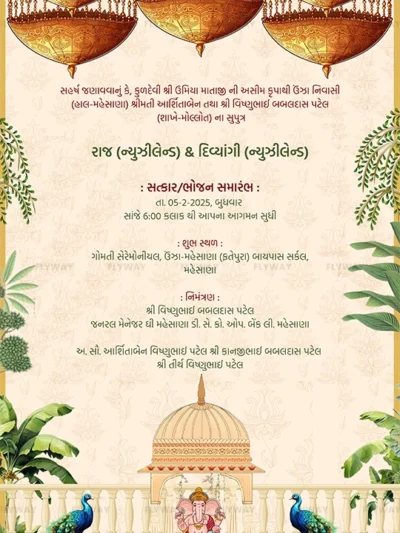
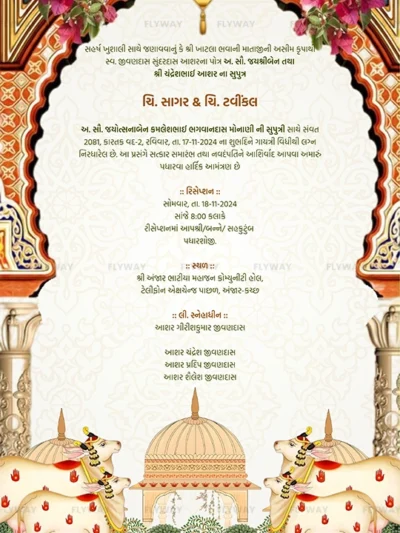
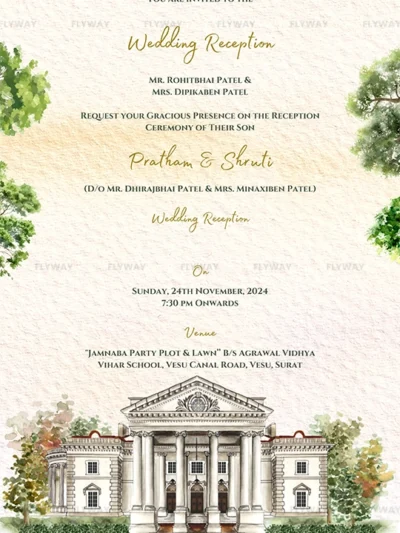
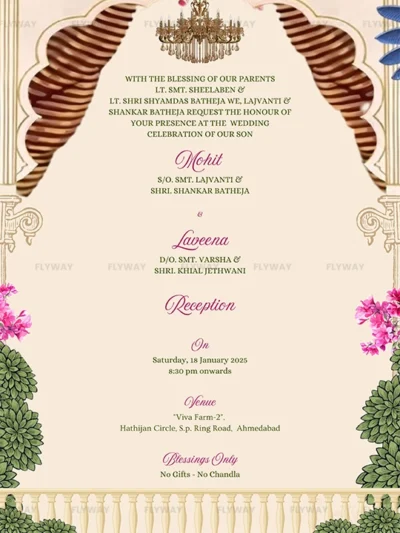
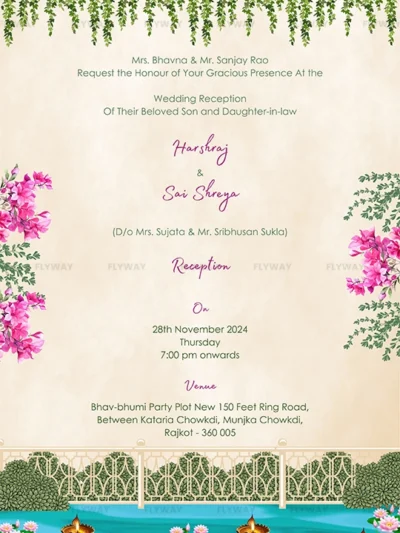
💍 2. Engagement Announcements
Announce your engagement in a fun, heartfelt, and memorable style:
Ring Close-Up – A digital card featuring a close-up of the ring and a hand-in-hand photo
Caricature Invite – Cartoon versions of the couple with a romantic quote or the proposal date
Save-the-Date Reveal – Combine the announcement with a beautiful date teaser
You can even add animation effects like falling petals or fireworks for extra flair.
🍼 3. Baby Gender Reveals
Skip the in-person party and go digital with your gender reveal:
Blue or Pink Confetti E-Card – An animated card that bursts with color to reveal the baby’s gender
Balloon Pop Design – A digital balloon “pops” to reveal “It’s a Girl!” or “It’s a Boy!”
Split Screen Reveal – Show baby shoes in both colors, then highlight the final choice
These cards are perfect for social media, group chats, or family email threads.
🧁 4. Baby Shower Invitations
Combine your announcement and invite into one adorable e-card:
Teddy Bear Theme – Soft pastels, stuffed animals, and sweet fonts
Minimalist Modern – Sleek design with clear event details
Bun in the Oven Concept – A cute bakery-themed invite that teases the arrival of your little one
Include RSVP links, location maps, or Zoom info for virtual showers.
🗓️ 5. Due Date or Countdown Cards
Building excitement? A digital countdown card is a great way to share your journey.
Calendar Highlight – Mark the due date with baby icons or a “Save the Month” animation
Baby Loading Bar – A fun digital graphic showing your trimester progress
Monthly Bump Updates – Send e-cards with bump photos and sweet notes each month
These are ideal for private WhatsApp updates or Instagram stories.
📢 6. Promotions and Milestones
Celebrate life’s other big wins digitally too:
New Job Announcement – “Guess who’s the new Marketing Manager?”
Relocating? Create a digital card featuring a drawing of your new home and a message like “Our new address!”
Graduation News – Cap, gown, and proud moment delivered in a creative card
With customization, you can make every life update feel like a special event.
🎨 Tips for Designing a Memorable Digital Card
Want your card to be scroll-stopping and share-worthy? Follow these tips:
Use high-quality visuals – Clear photos, vibrant colors, and consistent fonts
Pick a theme – Whether it’s rustic, elegant, playful, or vintage, let the theme reflect your personality
Keep it concise – Announcements work best with short, sweet text
Add music – A soft track or favorite tune can add emotion and atmosphere
Include key info – Dates, names, RSVP details, and hashtags if needed
Working with a digital design service or using platforms like Canva or Flyway can help simplify the process.
📲 Where to Share Your Digital Announcement
After finalizing your card, it’s time to spread the word across your favorite platforms.
Announce your engagement in a fun, heartfelt, and memorable style:
WhatsApp – Perfect for close friends and family
Instagram – Great for reels, stories, and grid posts
Facebook – Ideal for a broader reach, especially older relatives
Email – For a more formal or private announcement
Pinterest or Wedding Sites – Save and share your special moments in curated boards or wedding hubs
💞 Conclusion: Share Life’s Joys Digitally and Delightfully
Life is full of beautiful moments worth celebrating—and with the power of digital cards, you can spread that joy in a way that’s fast, stylish, and uniquely you. Whether you’re announcing a new arrival, saying “yes” to forever, or simply celebrating a personal milestone, there’s a digital card that can capture your happiness and share it with the world.
So pick your favorite idea, personalize your message, and send out your announcement with a digital sparkle your loved ones will never forget.